한국어
Lunhand icon: a crescent moon over night hills

Lunhand

Let your AI agent work in your Mac apps — in the background, even while your Mac is locked.

Lunhand is a computer-use MCP server for macOS. Claude Code, Claude Desktop and other MCP clients can see, click and type in your apps without bringing them to the front.

Apple silicon Mac · macOS 14.4 or later

Why Lunhand

Keeps going while you're away

When your Mac is locked and an agent needs an app, Lunhand unlocks it, keeps the screen covered while it works, then locks it again. If someone touches the Mac, it locks within 0.13 seconds and picks up where it left off after 5 quiet minutes. Nobody has to come back to unlock it.

0.13 sto lock when touched
5 minof quiet, then it resumes

This feature unlocks your Mac without your password. Read the security notes before you turn it on →
Claude Code on a locked Mac: Hacker News in Chrome → a reading list in Notion. The inset shows what the screen shows. Real time.

Set up in one window

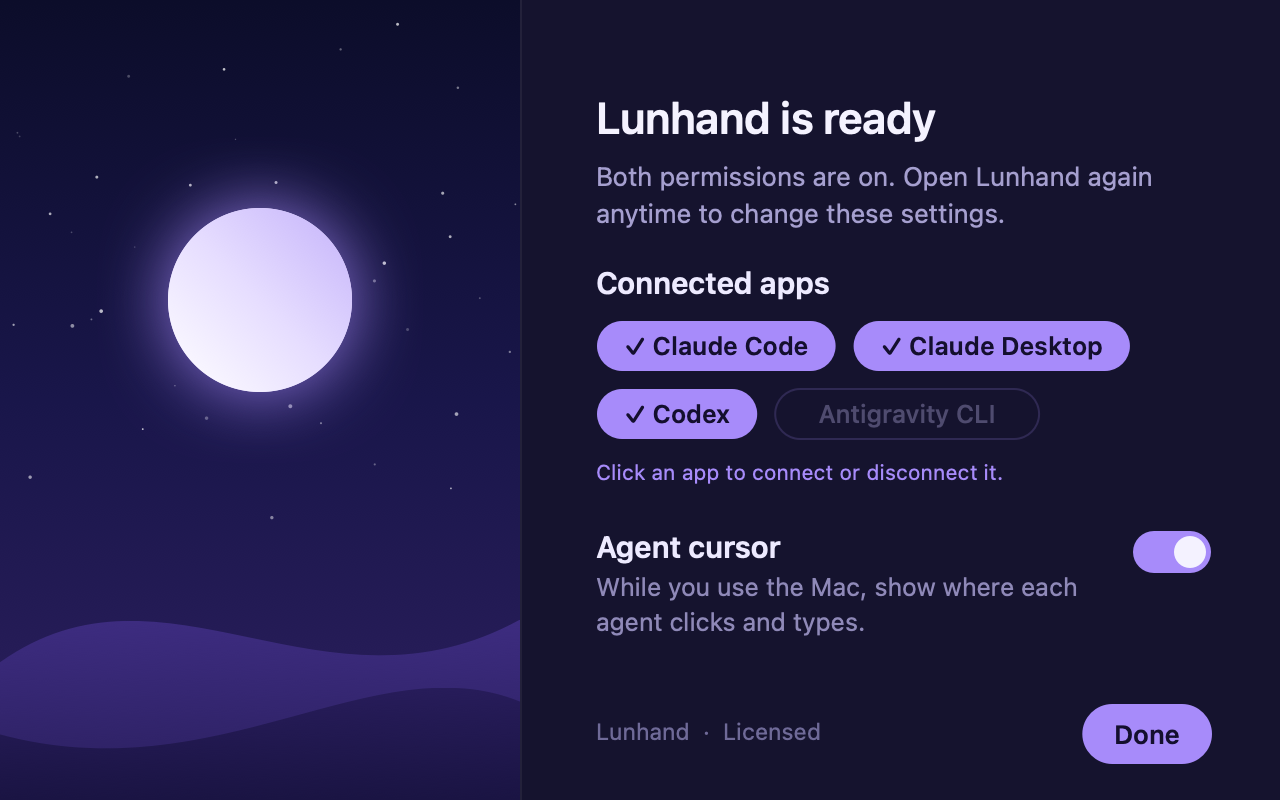
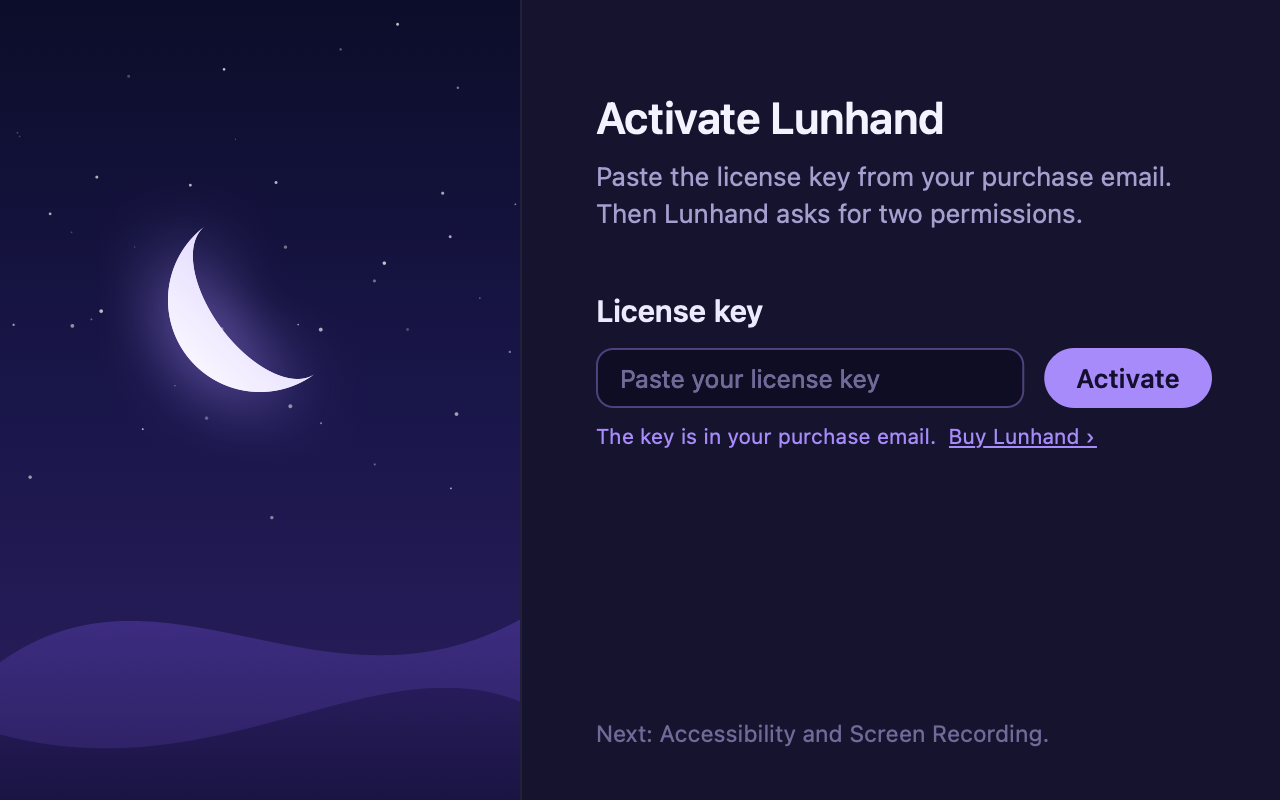
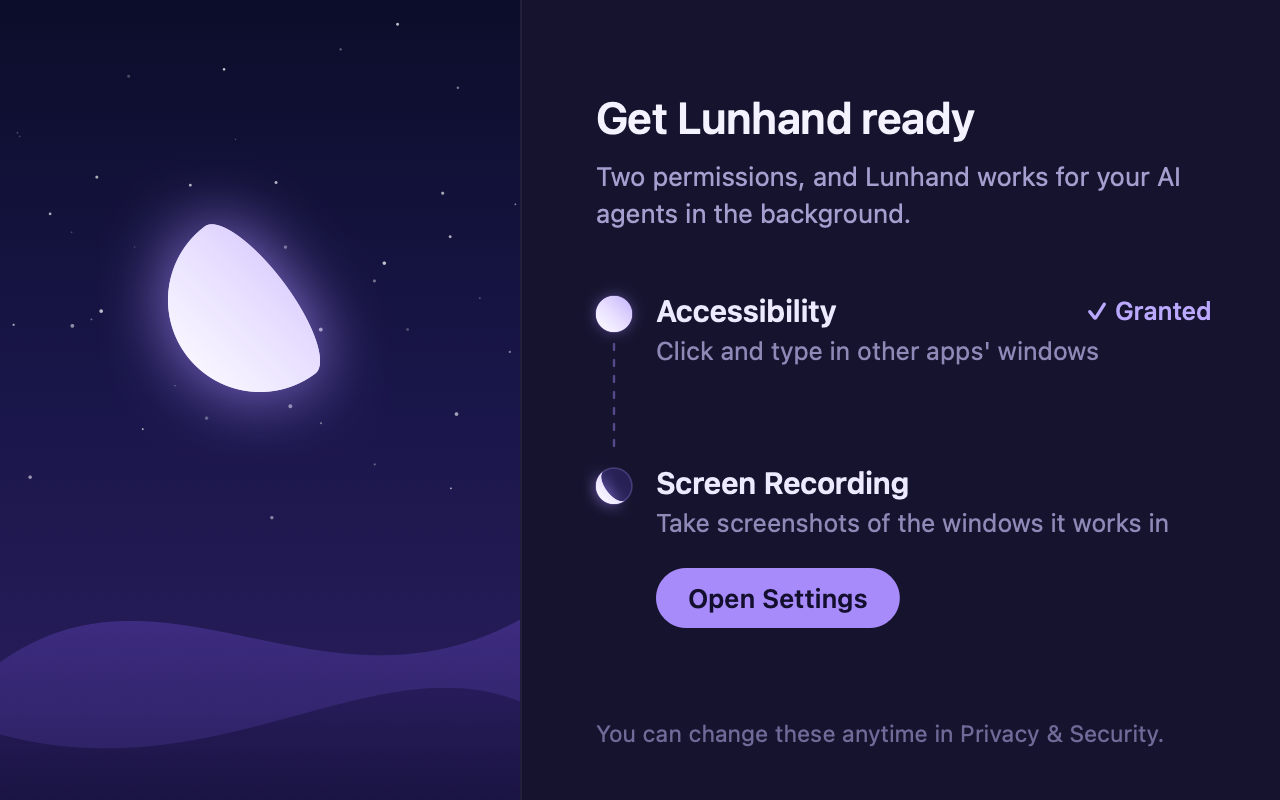
After you install, the setup window walks you through your license key and two macOS permissions. The same window has switches to connect your AI apps and show the agent cursor. No Terminal commands needed.

  1. 1License
  2. 2Permissions
  3. 3Settings
Setup step 1: enter the license key from your purchase email Setup step 2: turn on Accessibility and Screen Recording Setup step 3: switches for connected AI apps and the agent cursor

Several agents at once

Several agent sessions can work at the same time, each in a different app. Every session gets its own cursor color, so you can see who is working where. Your Mac locks again only after the last session ends.

Four AI sessions using Calculator, TextEdit, Chrome and Freeform at once (2× speed)

Your work stays put

Clicks and keystrokes go only to the window the agent is working in. The app you're using, your cursor, clipboard and keyboard layout stay as they are, so you can keep working, even mid-sentence.

Works with your agent

Any agent on your Mac that supports MCP can use Lunhand. Switch agents and keep going.

Precise control

Lunhand reads buttons and text fields through macOS accessibility, so your agent can press the right button and add text exactly where it belongs — Korean included.

Opens web pages quietly

Ask for a page in Google Chrome and it opens in a new tab of the window you used last, without pulling Chrome in front of you.

How it compares

On the same Mac, we gave the same 23 tasks to two AI agents. For each agent, only the computer use tool changed.

Lunhand vs Product A, an open-source computer use MCP server

Tasks completed

23 AI agent tasks

Lunhand23/23
  • Product A15/23

Product A failed all 8 test-app tasks at the same step: dragging to draw a line.

AI cost

23 tasks · lower is better

Lunhand$1.80
  • Product A$11.77

We added up the cost Claude Code reported per task.

Time taken

23 tasks · shorter is better

Lunhand6.1min
  • Product A13.2 min

We added up how long the agent took on each task, from start to finish.

Locked Mac

Tasks given while the Mac was locked

Lunhand18/18
  • Product ANot supported

In development, off by default (Product A's docs, as of November 2026)

ItemLunhandProduct A
Supported agents Agents that support MCP Agents that support MCP
Interruptions while you use your MacStealing focus or moving your cursor 0 times 0 times
Scrolling, dragging and drag-selecting text in a background windowTools called directly, without AI, 5 times each 5/5 each 0/5 each
Typing in NotionTools called directly, without AI, 5 times 5/5 0/5

How we testedMeasured on November 10, 2026, on the same Mac (Apple silicon, macOS 26.4) with the same agent (Claude Code) and the same model (Opus 5.5). Every run started in a new conversation. For the 23 tasks (8 in a test app, 8 in TextEdit, 7 in Notion), we judged success by what was actually left in the app. Product A was the latest version on the test day.

Lunhand vs Product B, the computer use built into the agent

Tasks completed

23 AI agent tasks

Lunhand23/23
  • Product B23/23

Both completed all 23 tasks.

AI usage

Input tokens · 23 tasks · lower is better

Lunhand3.86M
  • Product B4.54M

Lunhand used fewer in Notion and more in the test app.

Time taken

23 tasks · shorter is better

Lunhand13.6min
  • Product B15.5 min

Notion took about half as long with Lunhand. The test app was faster with Product B.

Locked Mac

Tasks given while the Mac was locked

Lunhand9/9
  • Product B · Codex CLI0/9
  • Product B · ChatGPT app1/1

Lunhand unlocked the Mac 15–19 seconds after the agent started and locked it again when done.

ItemLunhandProduct B
Test appPer task, median: time · input tokens 41 s · 173K tokens 26 s · 87K tokens
TextEditPer task, median: time · input tokens 23 s · 87K tokens 24 s · 67K tokens
NotionPer task, median: time · input tokens 36 s · 167K tokens 75 s · 482K tokens
Windows brought to the topAll 23 tasks, while a person was using the Mac. Product B raises its own status window and the window it works in. 26 times 139 times
Clipboard changedAll 23 tasks. Product B pasted text into Notion, then put the clipboard back. 0 times 5 times

How we testedMeasured on November 12, 2026, on the same Mac (Apple silicon, macOS 26.4) with the same agent (Codex CLI 0.164.0) and the same model (gpt-6.1-sol, reasoning effort medium, its default). In both setups we turned off the agent's other tools, such as the shell, the browser and plugins, and left only the computer use tool: Lunhand 1.0.3 or Product B. A person was using the Mac during the runs, and every run started in a new conversation. The 23 tasks (8 in a test app, 8 in TextEdit, 7 in Notion) were the same as in the Claude test. We judged success by what was actually left in the app, and also checked Notion's version history. Locked Mac: 9 tasks for each tool, started from the terminal. Product B in the ChatGPT app was checked once.

Set up in a few minutes

Lunhand needs two macOS permissions — Accessibility and Screen Recording — and your admin password once for the locked-Mac part. A setup window walks you through both permissions, and the moon fills as each one is turned on.

Pricing

$19

One-time purchase

Buy

Download right after you pay;
your license key comes by email.

Included

  • Use it on 3 Macs
  • Updates released within a year of purchase, free
  • Refund within 14 days
  • Apple silicon Mac, macOS 14.4 or later

Before you buy: while it works, the locked-Mac feature unlocks your Mac without your password. Read how it works and what to watch for →

Careful by design

Lunhand works only on the Mac you install it on, and the locked-Mac part needs your admin password to set up. Your password and Touch ID keep working as before. It cannot unlock other devices, your Apple ID, or a Mac that has just been turned on.

How the locked-Mac part works →