Switch Claude Code accounts in one click New
Choose which of your Claude accounts your own claude uses. After a one-time sign-in no browser opens, and open sessions follow within 30 seconds.

Your AI usage limits,
in one menu bar.
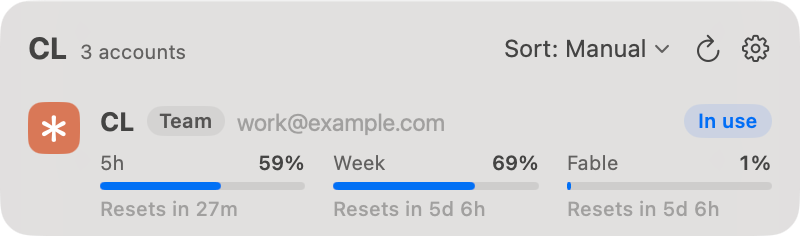
See the 5-hour and weekly limits of several Claude Code and Codex accounts right in your menu bar. Switch the account Claude Code uses in one click, without signing in again. Your account details stay on your Mac. Antigravity support is experimental and reads only the one account signed in to agy or the Antigravity app on this Mac.
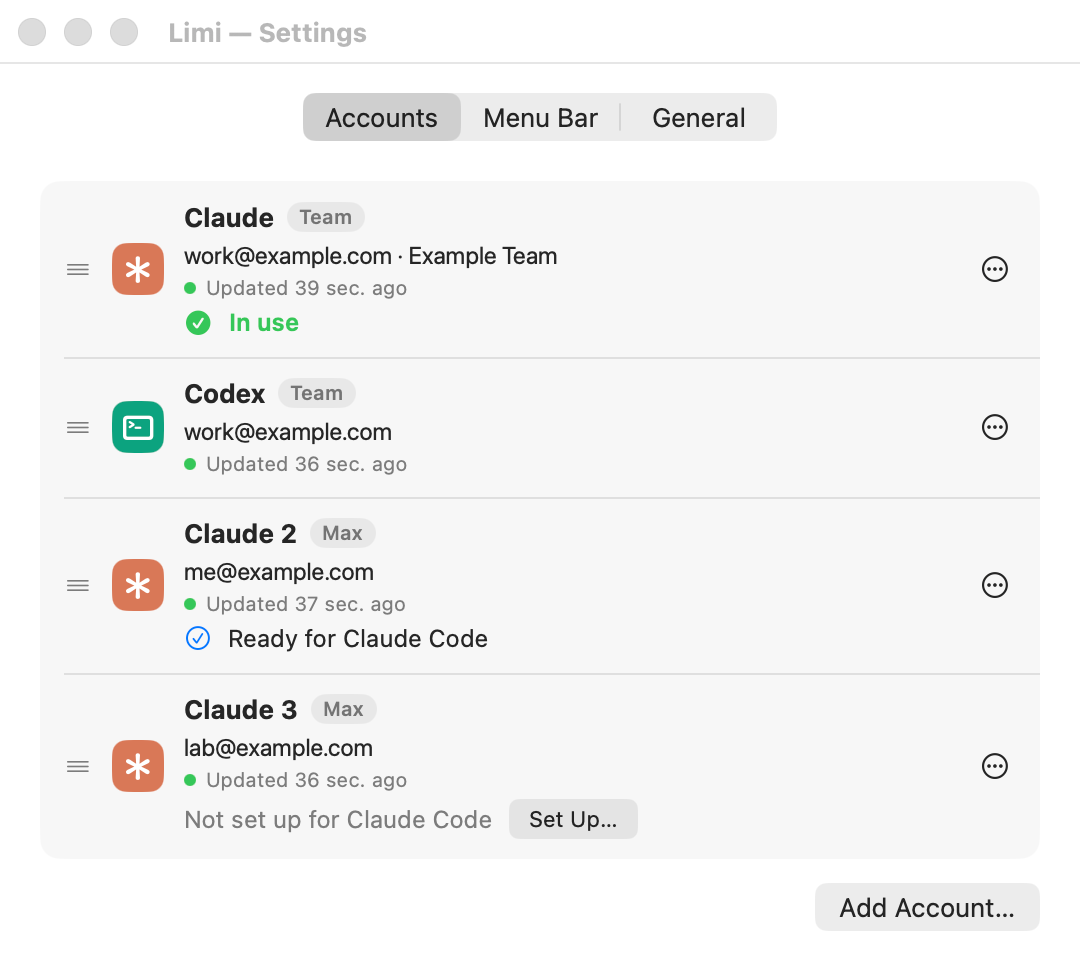
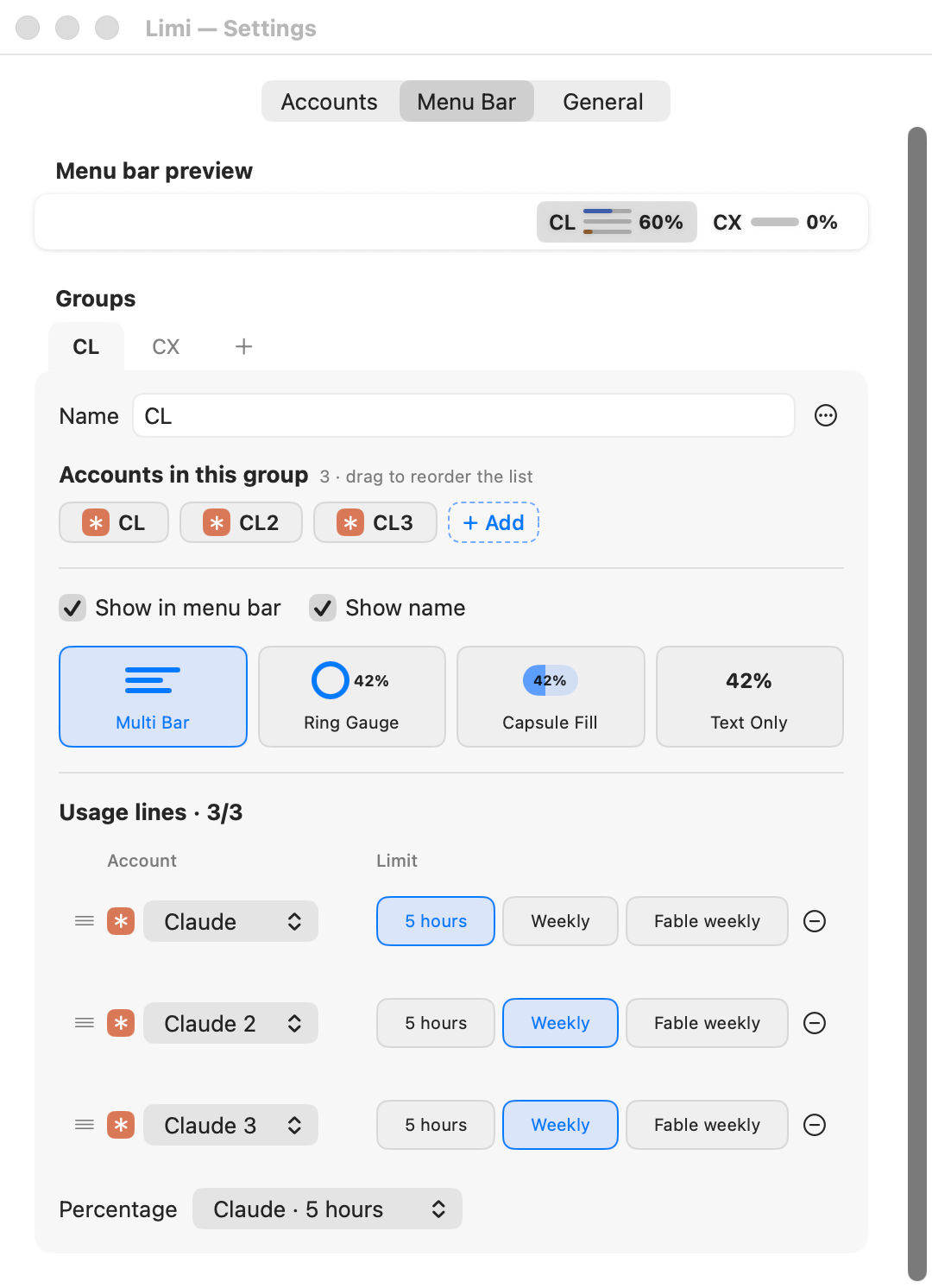
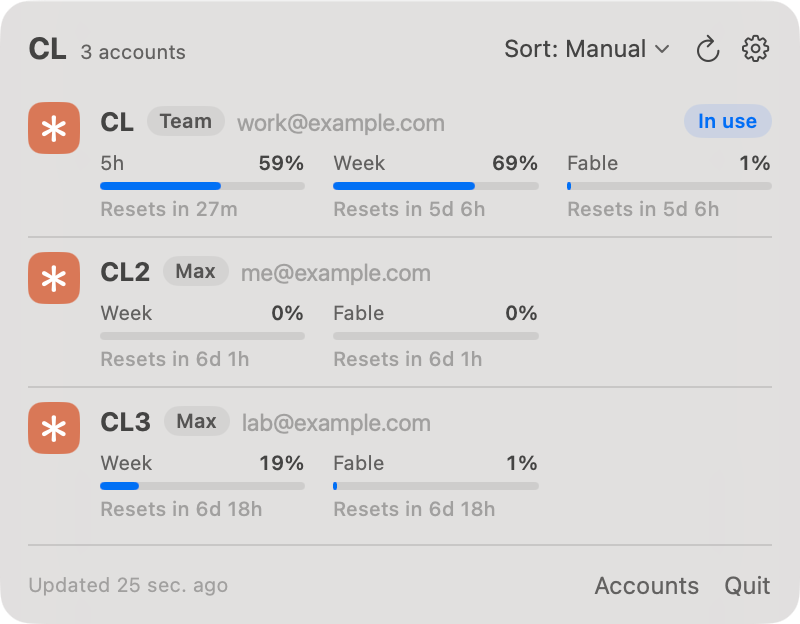
Choose which of your Claude accounts your own claude uses. After a one-time sign-in no browser opens, and open sessions follow within 30 seconds.
Add Claude Code and Codex accounts together and see each one's 5-hour and weekly limits. Sort a group's list by Manual, 5-hour reset or Weekly reset, and each group remembers its choice. When Codex gives an account free reset coupons, its row says how many, and Reset uses one after you confirm.
Choose Multi Bar, Ring Gauge, Capsule Fill or Text Only, and group your accounts. It turns red past 90%.
Sign-in details stay on this Mac. Nothing is sent to KALTI.
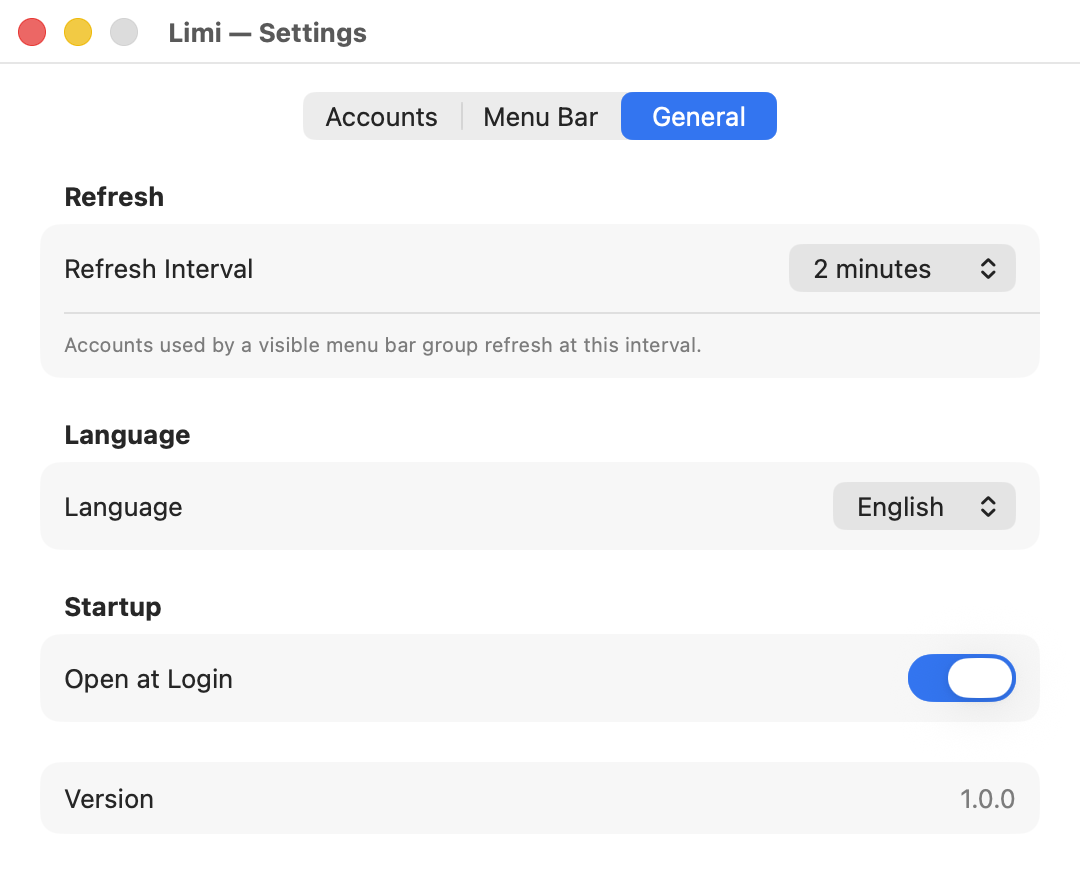
English by default, or pick Korean in Settings.
Latest version · Macs with Apple silicon, macOS 14 or later
Open source under the MIT License.